CASE STUDY · PROFESSIONAL LEARNING
Helping middle school teachers use AI with confidence
I was one of the first teachers in my building to use AI tools every day, so I was asked to teach my colleagues. What started as one department pilot became a 10-session series, a self-paced module, and a module another district now uses.
My role: Designer and facilitator; co-led live sessions with a colleague · Timeline: 2023–present · Learners: Middle school teachers across content areas · Tools: Gemini, NotebookLM, Nearpod, Google Forms
The problem
Teachers were curious about AI but didn’t know where to start. Most were comfortable with everyday classroom tech, but they weren’t sure which AI tools to trust, how to check what the tools produced, or how to use them responsibly with students. New AI features were also showing up in tools they already used, like Google Docs, faster than anyone could keep up.
How I approached it
I started with a pilot for the science department in 2023. After that, I planned each round of sessions using the ADDIE model.
Analysis: Defined the problem and goals, and looked at what teachers already knew, what they needed, and what the district allowed.
Design: Wrote learning objectives around Google’s new AI tools, planned the lesson sequence and embedded checks for understanding, chose media, and storyboarded the module before building anything.
Development: Recorded video tutorials and built the interactive Nearpod module, session materials, and surveys.
Implementation: Led a 10-session live series for about 50 teachers, with the self-paced module for learning between and after sessions.
Evaluation: Collected feedback throughout, and studied the module formally for my master’s capstone using pre and post surveys, reflections, and the resources teachers created.
What I built
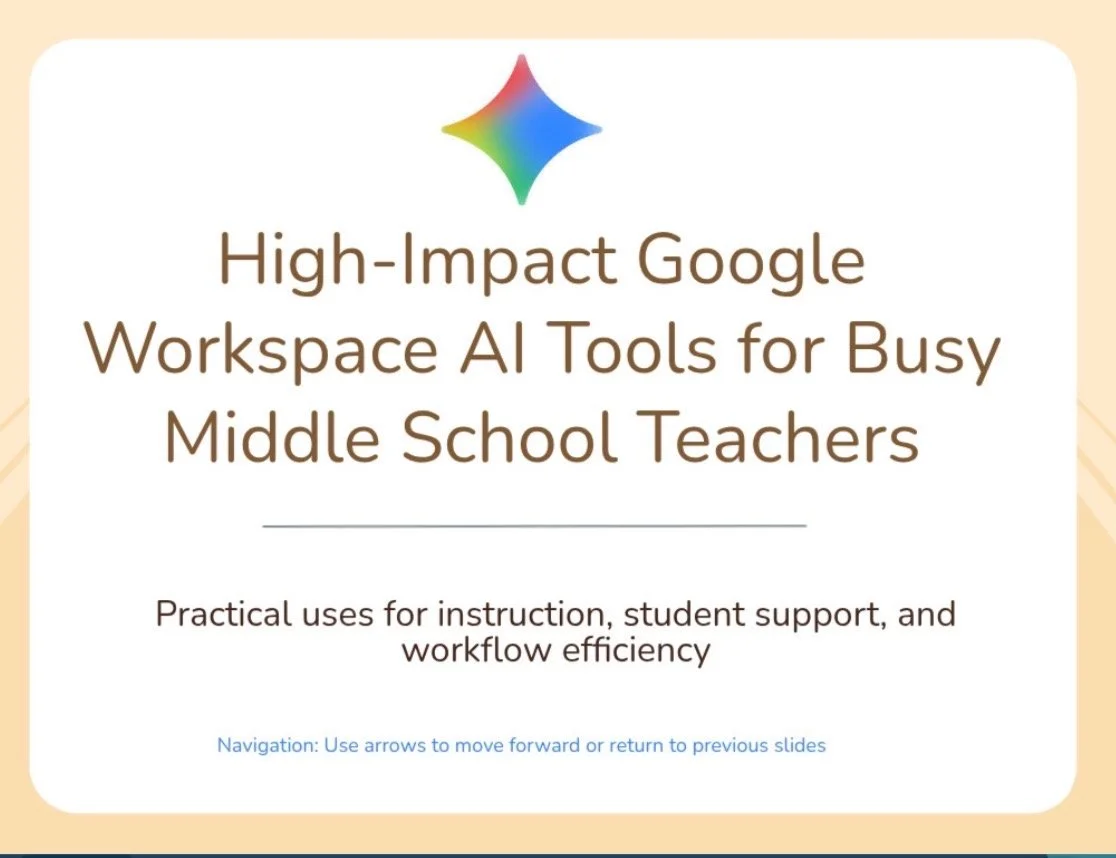
The self-paced Nearpod module walks teachers through Google Workspace AI tools with short videos and guided demos. Ethical AI use is built into every part, not saved for the end. Teachers answer reflection questions along the way, try quick checks for understanding, and finish by creating one real resource they can use in class.
Results
6 of 6 confidence areas went up from the pre-survey to the post-survey for the 15 teachers in the module study.
Average confidence using AI to differentiate for students went from 1 to 4.5 out of 5.
Middletown Public Schools adopted the module for their staff, with professional learning credit (PLUs).
The biggest gains were in differentiation, responsible AI integration, and ethical AI use. Confidence with instructional planning and with classroom workflow both rose from 2 to 5, and confidence evaluating AI-generated content rose from 2 to 4.
Most teachers started with limited or developing AI experience, and they said the video tutorials and guided demos helped most. Teachers who already used AI still picked up new skills, especially Gemini Gems and Gemini inside Google Docs.
What I learned and changed
The biggest lesson: AI platforms change fast, so training has to change with them. Last year’s sessions and module were out of date within a year because Google kept updating its tools, so I rebuilt them instead of reusing them.
The capstone data also showed where the self-paced module needed more structure. Next time, I’m adding sentence starters and example answers so reflections are more consistent, time estimates and checkpoints so more teachers finish every part, and a follow-up reflection after teachers use their resource with students.
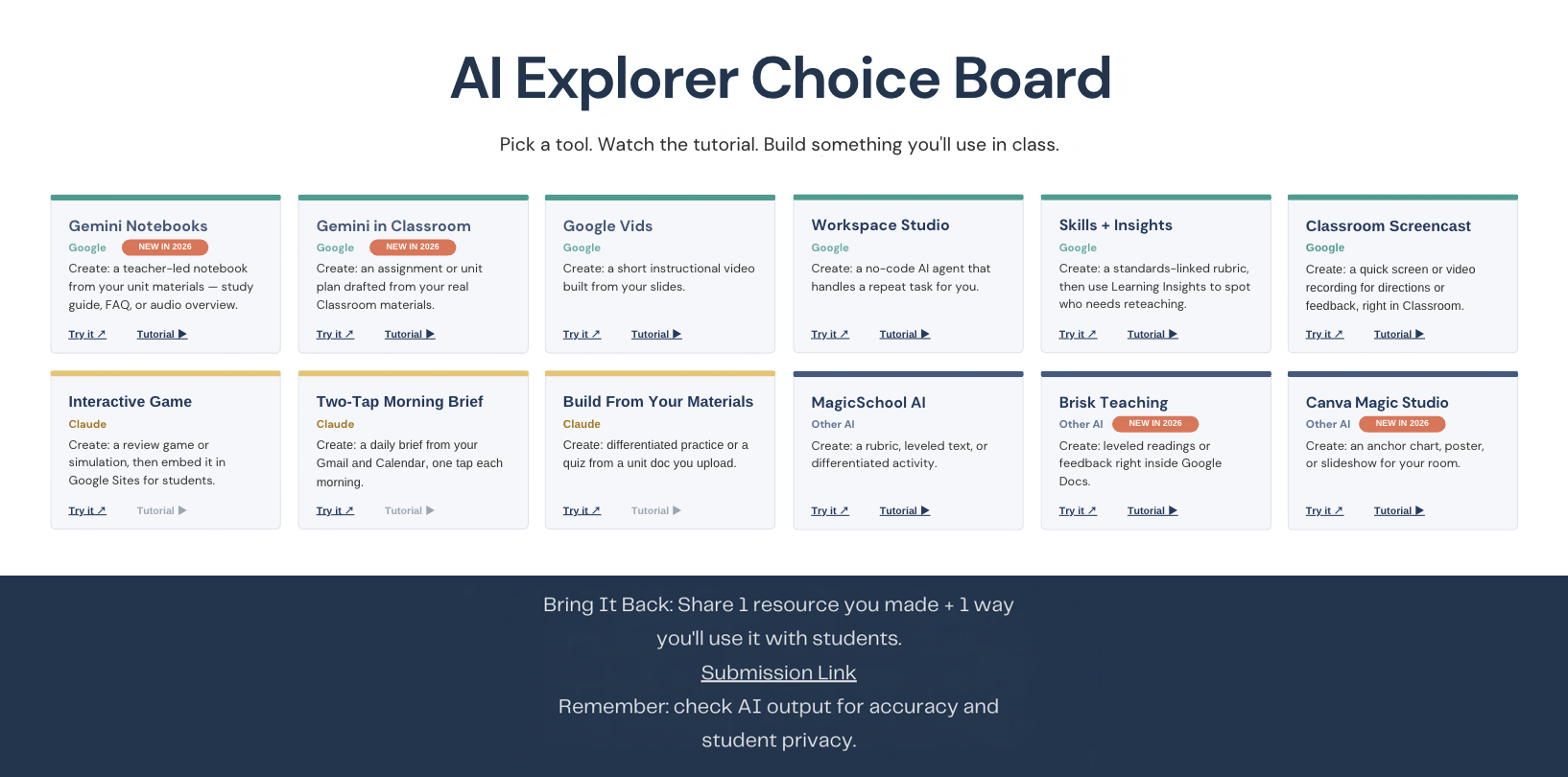
For 2026–27, I redesigned the live sessions around hands-on practice. In a choice-board workshop, teachers pick from a range of AI tools and build a resource for their own classroom.
Want to talk about this project? Email me at hello@jaimesheridan.com